How AI frames you in comparison prompts, and how we fix it
In X vs Y and alternatives prompts, AI decides who is the default and who gets the caveats. How we read position, framing, and the source behind each comparison.
Comparison prompts are where AI brand perception gets decided fastest. A buyer who types "Acme vs Globex for a 20-person agency" has already narrowed the field to two. Whatever the engine says next is close to a verdict. If it frames Acme as "the simpler, cheaper option" and Globex as "the more complete platform", the buyer has their answer before visiting either site.
The reports we inherit from clients' previous setups tend to track whether the brand appears in comparison answers, and stop there. We think that's backwards. In a two-brand answer you nearly always appear. The framing is the only thing that varies.
The comparison prompts worth tracking
Buyers phrase comparisons in a few recurring shapes, and each one frames you differently:
- Head to head: "Acme vs Globex", "is Acme better than Globex for agencies". Two names, one winner or a "depends on" split.
- Alternatives: "alternatives to Globex", "tools like Globex but cheaper". You're framed relative to someone else's product, and the prompt itself often carries the buyer's complaint.
- Best for a use case: "best project tool for remote agencies". A list, where order and the one-line description do the framing.
- Switching: "should I switch from Globex to Acme". The engine weighs migration effort, which brings in a whole set of claims about your onboarding.
When we build a prompt set for a client, we write all four shapes for their top two or three competitors, in the buyer's language. In Promptwatch, the platform we run client programs on, each prompt gets a type (Organic, Brand Specific, or Competitor Comparison), and tagging the comparisons correctly is what lets you filter them out later. Blending them with informational prompts hides the pattern.
Position: who gets named first
The first thing to read is position. Promptwatch's Position metric records where your brand first appears among the brands in a single answer, counted from 1. If an answer to "best CRM for startups" discusses HubSpot, then Pipedrive, then you, your position in that answer is 3. Across responses, it's averaged, so "#1.4" means you're usually first. Lower is better, and answers that leave you out don't count against it.
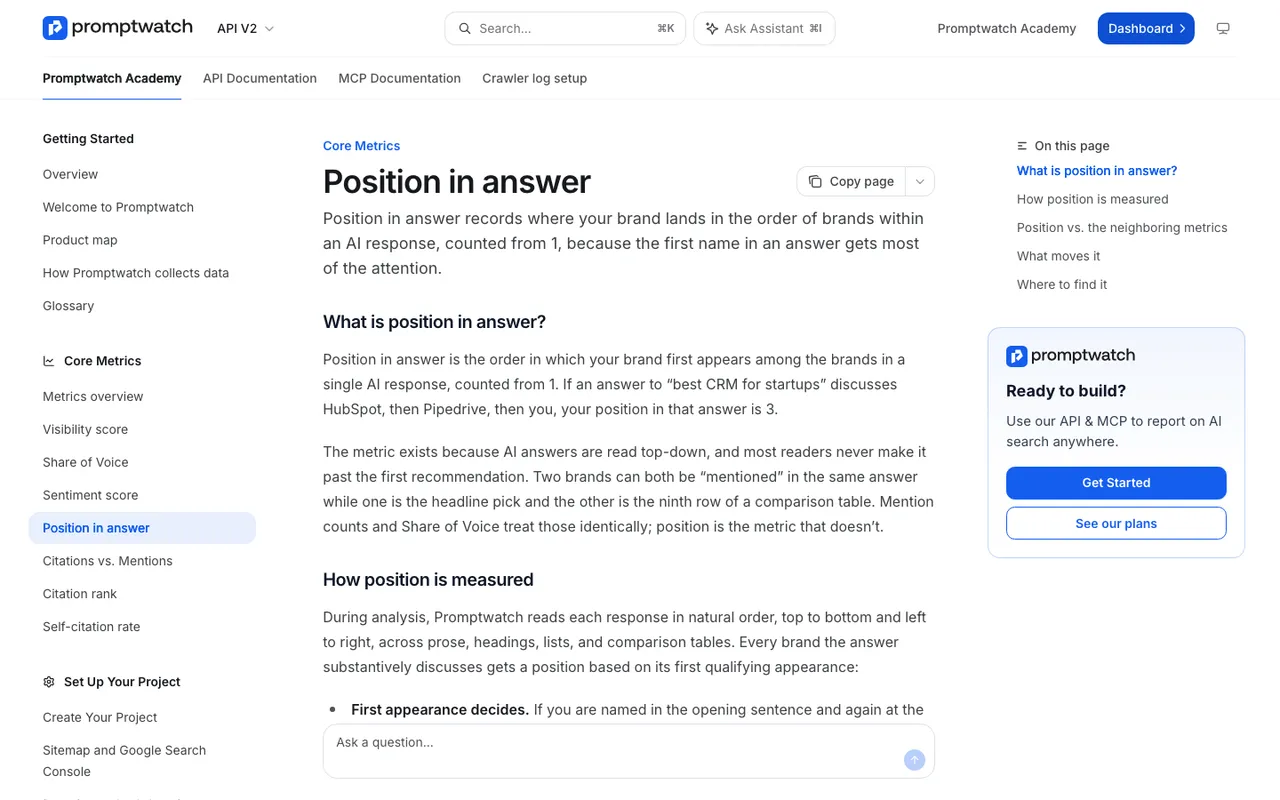 Promptwatch Academy's Position in answer page, captured November 14, 2026.
The Academy makes a point about what moves position that applies directly to comparisons: models lead with the brand they most strongly associate with the query. Broad coverage that pairs your brand with the use case pushes you up. It also notes that you can hold position 1 on niche prompts while sitting fifth or sixth on broad ones, and that your position can fall with nothing changing on your side because a competitor became the new default first answer. Compare your average with theirs before assuming you did something wrong.
Position has a limit worth knowing. An answer can name you first and then spend three paragraphs on a competitor. Position says #1; the Visibility Score, which also weighs share of attention and depth, says otherwise. Read them together.
Framing: who gets the caveats
Position tells you order. It doesn't tell you the words. For that, we read three things.
Sentiment by prompt type. The Academy's sentiment tracking page notes that comparison prompts usually score lower than informational ones, since answers weigh you against competitors. So don't panic when your comparison sentiment sits below your overall average. What matters is how it compares with your competitors' sentiment on the same prompts, and whether it moves.
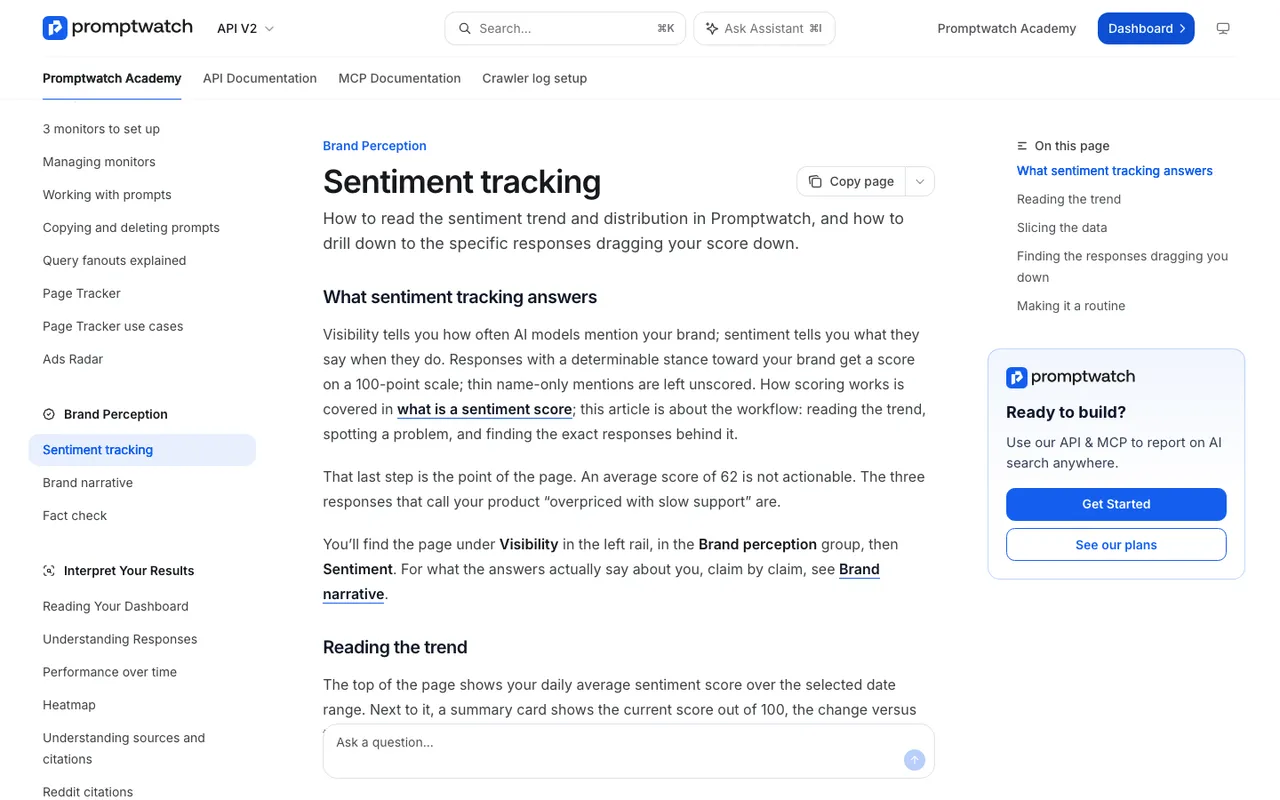 Promptwatch Academy's Sentiment tracking page, captured November 14, 2026.
The By Competitor tab. On the Sentiment page, it gives one row per brand with the split across positive, neutral, and negative. A rival with more Share of Voice but weaker sentiment is being recommended with caveats. That's an opening.
The claims themselves. Brand Narrative pulls individual claims out of every response and lets you filter to Competitor Comparison prompts. This is where you find the actual framing sentences: "Acme is simpler but lacks advanced reporting", "Globex is the better fit for larger teams". The Benchmark view shows, per theme, where you rank against competitors and the gap to the best one. If you lose the Usability theme to a rival in comparison prompts, the claims table shows you which sentences are doing it.
Which source sets the comparison
Comparison answers lean heavily on pages that are themselves comparisons. Third-party roundups, review sites, "X vs Y" articles, and your competitors' own comparison pages all get retrieved because their headings match the prompt almost word for word.
So for every comparison prompt where the framing hurts, we find the source:
- Open the responses for that prompt and list the cited URLs.
- In Citations, use the Competitors filter to see which domains and pages back your competitors' mentions.
- Check whether a competitor's own "vs" page is being cited. If it is, you're being described in their words.
- Add the most cited comparison pages to Page Tracker so you see when and where they keep getting cited.
The list that comes out is usually short: a handful of pages set the comparison for a given pair of brands. That makes the problem workable.
How we fix the framing
We don't promise a client that an engine will start calling them the better choice. Nobody can. What we can do is change what the engine reads when it builds the comparison.
Publish your own comparison pages, and make them fair. If you have no "Acme vs Globex" page, the engine uses someone else's. Write one that states the criteria, says plainly where the competitor is the better fit, and is specific about where you are. One-sided pages are easy to spot, and buyers who click through will spot them. Date the page and keep it current.
Write alternatives pages for the competitors buyers leave. "Alternatives to Globex" prompts often carry the buyer's reason in the prompt. A page that addresses that reason directly gives the engine something to retrieve for it.
Strengthen the pages already cited. If your product page is cited in comparison answers but framed weakly, Content Refresh rewrites it against the tracked prompt you choose. You can select up to five competitor pages from that prompt's cited sources, and the agent studies why they get cited. The Differences toggle shows exactly what changed before you publish.
Answer the claims, not the competitor. If the losing theme is Usability, the fix is a clear page on setup and onboarding with concrete steps, not a page about the competitor's weaknesses.
Correct third-party comparisons that are wrong. Ask the publisher, with the exact sentence and your evidence. For claims about your own brand, Fact Check (on Business, Agency Scale, and Enterprise) shows whether the cited pages contradict what your site says.
For new comparison pages built from scratch, Content Creation (with AEO articles from Professional) can take up to five competitor URLs as input. We still edit every draft. A comparison page has to be accurate about someone else's product, and that's a judgment call a human makes.
A weekly comparison check
Once a week, with Compare previous switched on in the brand visibility chart, we look at Share of Voice and Position on the Competitor Comparison prompts only. If something moved, we open the Heatmap for the model and topic behind the move, then the Prompts page in the By Rank view to see which comparison prompts a competitor now leads. Then Brand Narrative, filtered to those prompts, to read what changed in the framing.
It's a short routine, and it tends to catch a competitor's new comparison page while it's still working its way into the answers. Our post on tracking competitor share of voice goes deeper on the share side.
Where to start
Pick your two closest competitors. Write the four prompt shapes for each, in your buyers' words. Track them for two weeks and read the claims. You'll know which comparison you're losing and which page is setting it.
If you'd like to walk through your own comparison prompts with someone who knows the product, book a Promptwatch demo and ask to see the By Competitor sentiment tab and Brand Narrative filtered to Competitor Comparison prompts.